
By Gatekeeper ·
Managing Multiple Gates in South Africa
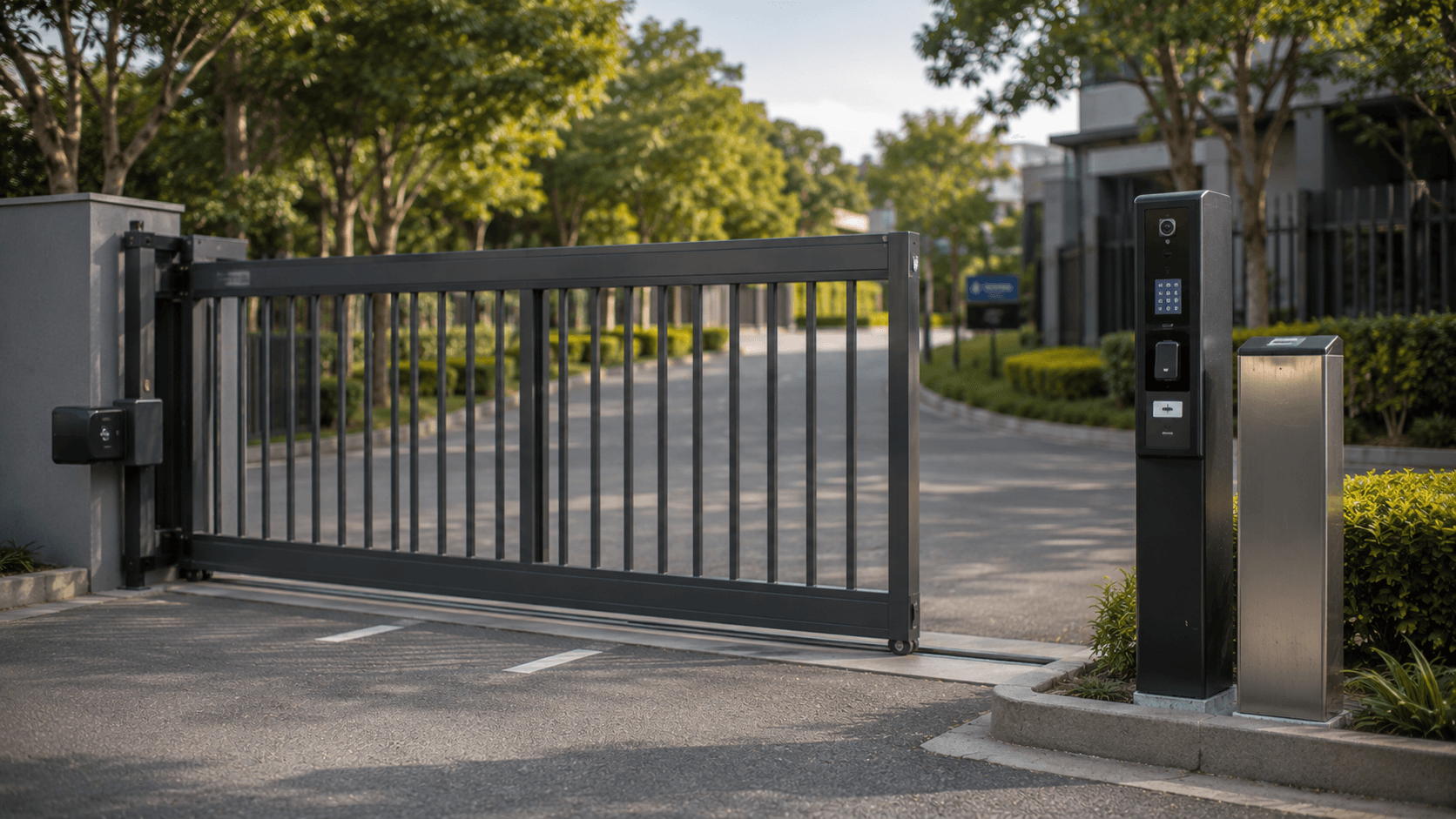
Managing more than one entrance requires clear permissions, compatible equipment and a practical access process. Here is what estate managers should consider.
How should a South African estate manage multiple gates?
An estate with a main entrance, residents' entrance, service gate and pedestrian access point needs more than a collection of remotes. It needs a clear process for deciding who may use each access point, when that permission applies and how the equipment at each gate will be managed.
The best starting point is an access-point audit. List every entrance, the motor or access equipment connected to it, the people who need access and the times when that access should be available. A phone-based cellular system such as Gatekeeper may be suitable for compatible gate motors and garage-door motors, but each installation must be checked before equipment is selected.
This article provides general estate-access planning guidance. It does not establish that one Gatekeeper unit controls multiple gates, that multiple entrances are centrally managed through one interface, or that permissions automatically synchronise between entrances.
Start with the estate's access points
Not every gate serves the same purpose. A main vehicle entrance may be used by residents and approved visitors, while a service entrance may be limited to contractors, deliveries or staff. A pedestrian gate may have different operating requirements again.
For each access point, record:
- The gate's location and purpose
- The existing motor or connected access equipment
- The people who need regular access
- Any access times or schedules that apply
Gatekeeper is designed around compatible connected access points. When an authorised number calls a Gatekeeper unit, the incoming number is recognised and the connected access point can be activated when the caller has permission. The equipment being connected must therefore be confirmed before installation.
Decide who needs access to each gate
Access should be assigned according to a person's role and the entrance they actually need to use. Residents may need the main vehicle entrance, while a garden contractor may need a service entrance only during agreed hours.
Useful categories might include:
- Residents and owners
- Managing staff and security personnel
- Maintenance teams and regular contractors
- Delivery or service providers
For a connected system, Gatekeeper's management tools allow authorised access and schedules to be configured and managed online. Whether one administration setup covers multiple entrances is not established by the published information, so that arrangement must be confirmed for the estate.
Use phone numbers carefully
Phone-based access can reduce the number of shared remotes in circulation, but it still depends on accurate administration. A number should be added only when the responsible person has approved the request and knows which gate the user is expected to operate.
When a resident, employee or contractor changes, review the access associated with that person's number. Do not assume that removing a physical remote will remove a phone number from the system, or that changing a resident's details automatically changes access. The relevant Gatekeeper administrator should update the authorised access through the management process being used for the installation.
Plan schedules around real estate activity
Different gates often have different patterns of use. A service entrance may be needed during working hours, while a contractor may need access for a limited project period. A resident's access may need to continue outside office hours.
Before configuring a schedule, ask:
- Which person or role needs access?
- Which gate or access point is involved?
- What is the start and end date, if the access is temporary?
- Who will review or remove the permission?
- What should happen if the equipment, motor or network connection is unavailable?
Gatekeeper supports access scheduling through its web-based management tools. The exact schedule and administration setup should be confirmed for the estate's equipment and service arrangement.
Check compatibility before buying hardware
Multiple entrances can mean multiple motor models, older equipment or different wiring arrangements. A system that is suitable for one gate is not automatically suitable for every gate on the property.
Ask the installer or supplier to confirm:
- Whether each motor or connected access point is compatible
- Which Gatekeeper hardware is required at each location
- How the unit will be powered and connected
- Whether the mobile network service is suitable at the installation point
- How the system will be tested after installation
- Who will provide support if a gate motor or controller changes later
Gatekeeper uses cellular access control and authorised phone numbers. It should not be described as a Wi-Fi-only or Bluetooth-only solution. The installation still depends on compatible equipment and an appropriate cellular service arrangement, so these details should be confirmed before a purchase or installation is approved.
Keep the operating process simple for residents and staff
For a phone-call-based Gatekeeper installation, the basic user action is straightforward: an authorised number calls the Gatekeeper unit associated with the compatible access point. The system recognises the incoming number and can activate the connected gate when access is allowed.
Estate staff should have a process for exceptions such as a new phone number, temporary contractor access or gate-motor maintenance. These situations should go through the nominated administrator or installer rather than through shared remote or phone details.
Understand the service and hardware costs separately
Estate planning should distinguish the once-off hardware purchase from the recurring Gatekeeper service fee. The published annual service fee is R449 including VAT for domestic use with up to 15 authorised numbers, or R1,030 including VAT for commercial use with up to 1,000 authorised numbers. These service fees do not include the once-off hardware purchase, and compatible hardware is sold separately through the existing online shop.
Confirm the commercial category and hardware requirement before budgeting. Current hardware pricing belongs in the shop, while service pricing and installation requirements should be checked against the latest approved information.
Questions to ask before connecting another gate
Before extending a system to another entrance, confirm compatible equipment, the approved service arrangement, permission ownership, support and network availability.
If the equipment is older or affected by a cellular network change, review the Gatekeeper network upgrade information before planning the installation. For a specific motor or entrance, contact Gatekeeper and provide the relevant equipment details for confirmation.
FAQs about managing multiple estate gates
Can Gatekeeper manage access to more than one gate?
Gatekeeper can be connected to compatible gates and garage-door motors, but the suitability of a multi-gate installation depends on the equipment and service arrangement at each access point. Confirm the configuration before installation.
Can different people use different estate entrances?
Access can be planned around authorised phone numbers, access points and schedules. The estate administrator must confirm how those permissions will be configured and reviewed for the specific installation; this answer does not claim automatic synchronisation between entrances.
Does every gate need compatible hardware?
Each connected access point should be assessed for compatibility. A motor that works at one entrance does not automatically confirm compatibility at another entrance.
Can contractor access be limited to certain hours?
Gatekeeper supports access scheduling through its management tools. The administrator should confirm the required dates, times and access point before enabling temporary or recurring contractor access.
Does a multi-gate installation require Wi-Fi or Bluetooth?
Gatekeeper is described as a cellular, phone-call-based access-control system. Do not assume that Wi-Fi or Bluetooth is required; confirm the hardware, cellular service and installation requirements for the specific gate.
Where can an estate confirm its installation requirements?
The estate can review the Gatekeeper FAQs and then contact Gatekeeper with the gate motor and access-point details.
A practical next step for estate managers
Managing multiple entrances starts with a reliable inventory, clear permission rules and verified compatibility. A phone-based cellular system may simplify access for authorised users, but it should be planned around the actual motors, network conditions, schedules and support responsibilities at the estate.
If you are reviewing access at a South African estate, list each entrance and its existing equipment before requesting a quotation. Gatekeeper can then help clarify whether the relevant access points and service arrangement are suitable for the proposed installation.